Penguin Support

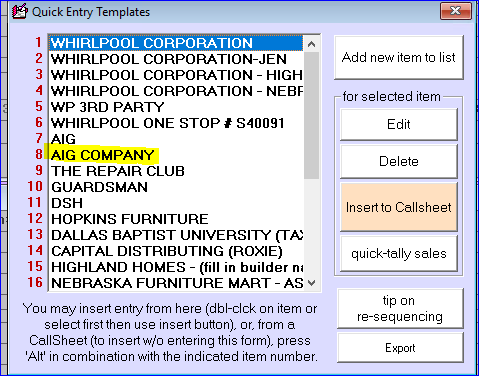
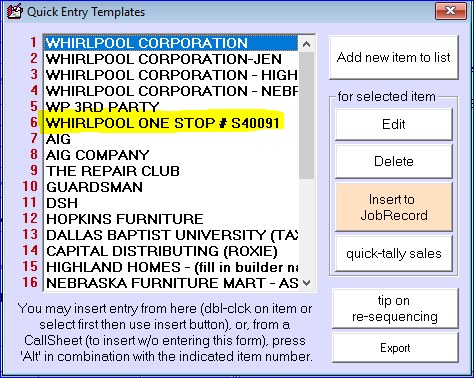
Job Sale - Call Sheet Type: One Stop

One Stop

  • Is NOT an extended warranty. It is a program that Whirlpool offers to select builders / businesses.
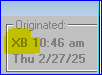
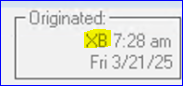
  • Has to be dispatched via Service Bench (XB).
  • Guinco cannot set these up directly.
  • Covers cosmetic warranty over 30 days.

How to verify a One Stop

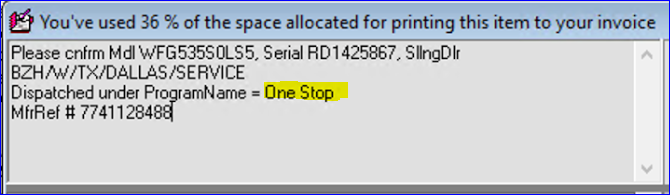
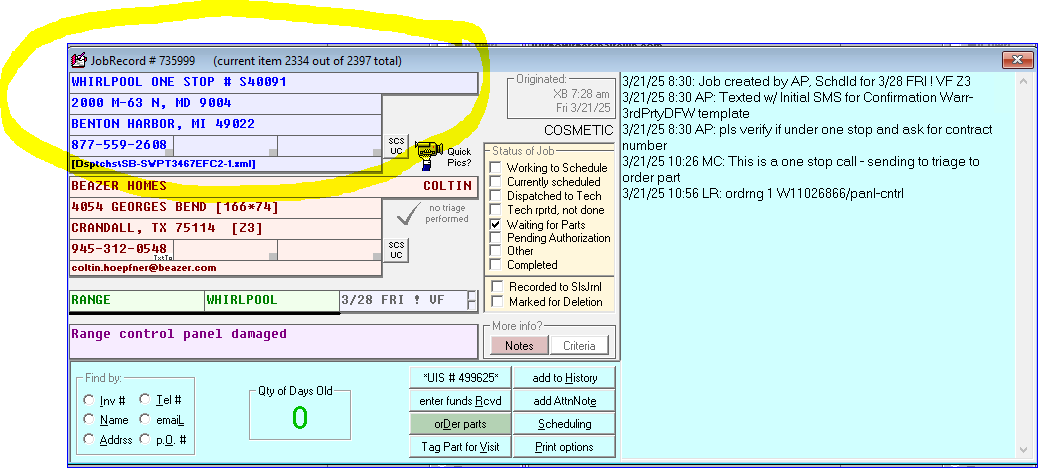
  1. Look in the back area for the Selling Dealer information (this is the builder). SllngDlr stands for Selling Dealer.
  2. The back area should also list Program Name = One Stop.

If the customer states they have a One Stop account but the info is NOT in the back area

Refer them to Whirlpool to have this dispatched correctly. We cannot run it as a One Stop without the selling dealer or Program Name.

If the info IS in the back area but the Bill-To section is wrong

We must fix these on the front end (update the Bill-To ourselves).

All One Stops must have the selling dealer or show One Stop as the Program Name in the back area.

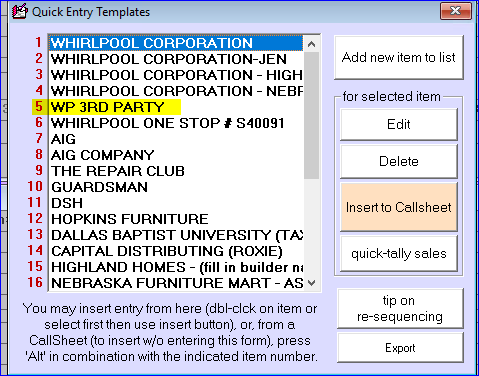
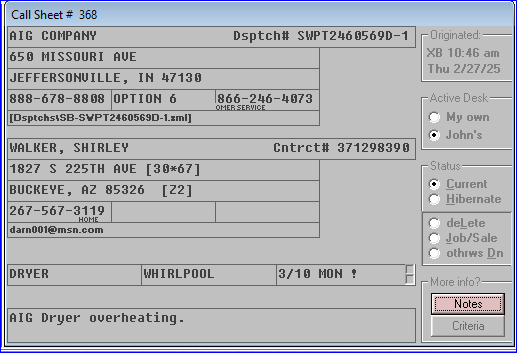
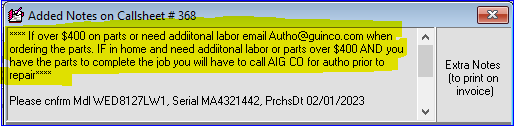
Reference images (from CIT cheat sheet):
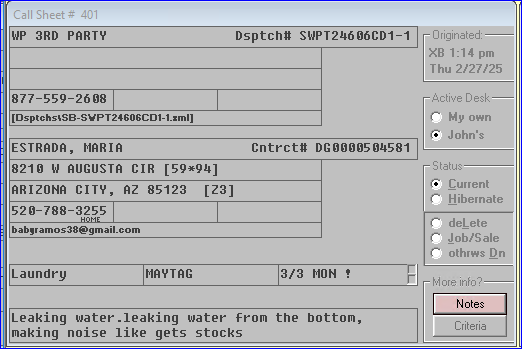
Reference image from tab 12, row 281
Reference image from tab 12, row 285
Reference image from tab 12, row 288
Reference image from tab 12, row 294
Reference image from tab 12, row 299
Reference image from tab 12, row 301
Reference image from tab 12, row 305
Reference image from tab 12, row 307
Reference image from tab 12, row 320
Reference image from tab 12, row 321
Reference image from tab 12, row 324
Reference image from tab 12, row 330
Reference image from tab 12, row 334
Reference image from tab 12, row 344
Reference image from tab 12, row 362
Reference image from tab 12, row 372
Reference image from tab 12, row 381
Reference image from tab 12, row 397
Reference image from tab 12, row 418

Was this article helpful?

Have detailed feedback?

Spotted an error, something out of date, or an area that could be clearer? Let us know.

Ticket
More
Penny

Penny

Penguin Support AI Assistant