Definitions
- Tentative - the service call can be assigned to any technician.
- Definite - the service call is locked to a specific technician and should not be assigned to another technician.
When to use Definite
- The customer requests a specific technician.
- The service call is a prior-90.
- The service call was assigned to a specific technician due to an escalation or second opinion.
Changing your Default (Tentative / Definite Settings)
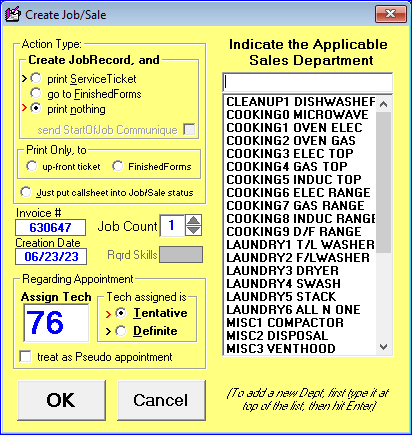
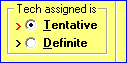
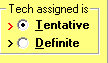
A red arrow next to Tentative indicates that every call you create will be marked tentative by default. To change your default setting, click the little arrows to the left of either Definite or Tentative.
Assigning a specific call to Definite or Tentative
When you need to assign an individual call, click the circle to the left of either Tentative or Definite.
Reference images (from CIT cheat sheet):